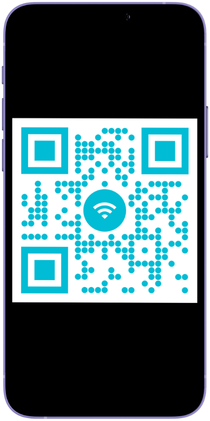
Stop Using Boring QR Codes

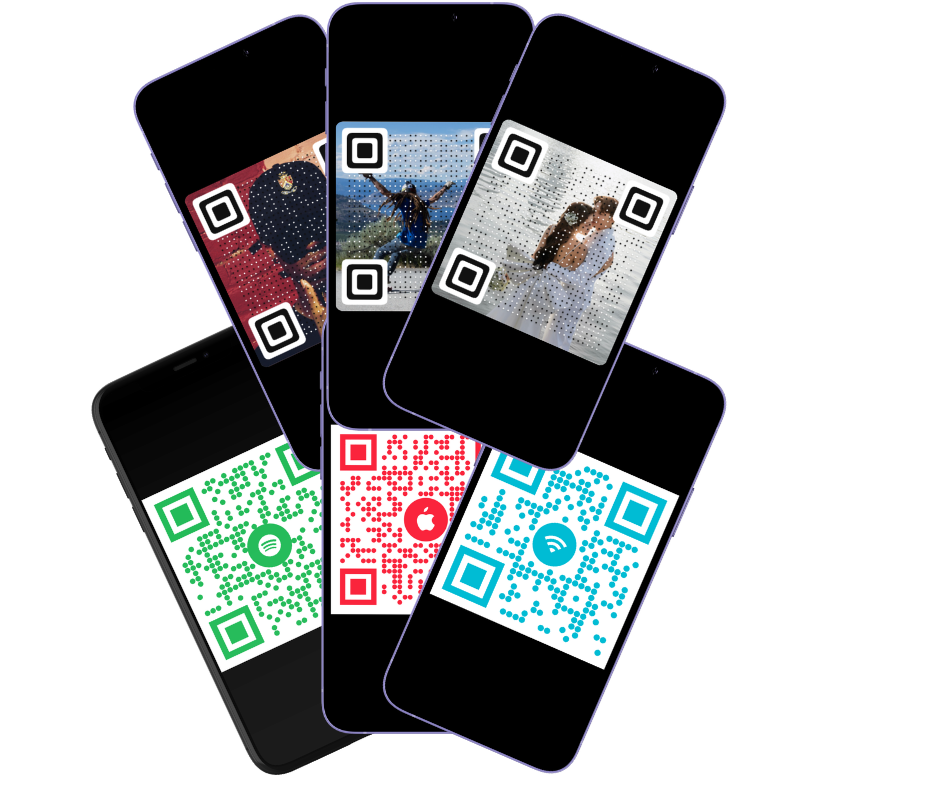
No more standard black & white and create custom QR codes with your own special photos and logos for FREE

QR - code
SCAN ME
Scan Quality: Excellent

Customize QR

1. Enter Details
馃挕 讛注专讛: 讻讚讬 诇讬爪讜专 QR 诇拽讜讘抓 PDF, 讛注诇讛 讗转 讛拽讜讘抓 诇-Google Drive, Dropbox 讗讜 诇讗转专 砖诇讱, 讜讛讚讘拽 讻讗谉 讗转 讛拽讬砖讜专 讛砖讬转讜驻讬 讛驻讜诪讘讬.
2. Background Image
No file chosen
ZOOM OUTZOOM IN
3. Style & Colors
TINYLARGE
NONEDARK
4. Choose Frame

Looking for a more simple QR code ? Move to the Classic QR generator

How to Create a Custom Artistic QR Code

Forget boring black-and-white squares. With QR-vibe, you can blend your QR code directly into your favorite photos, logos, or brand imagery. Follow these simple steps to generate your unique QR code for free:聽

  1. Choose Your Destination: Select what you want your QR code to do (Open a URL, share a vCard, connect to Wi-Fi, open WhatsApp, etc.) and enter your details.

  2. Upload a Background: Click to upload your personal image. Our smart engine will blend the QR dots seamlessly over your picture.

  3. Customize the Design: Play with the dot shapes, adjust the colors, and tweak the dark shield to ensure perfect scan quality.

  4. Pick a Frame & Download: Choose a stunning modern frame (like our Polaroid or Sticker designs), and download your high-resolution QR code instantly. No registration required!

Frequently Asked Questions

Yes! Our artistic QR code maker is 100% free to use. You can generate, customize, and download high-quality QR codes without creating an account or paying any hidden fees.

No. The QR codes generated on this page are “Static QR Codes”. This means the data is hard-coded directly into the image itself. They will never expire and will work forever.

Absolutely. That is exactly what our tool is built for. Simply upload your image in step 2, and our advanced halftone generator will overlay the QR data on top of your picture while keeping it fully scannable.

If your camera struggles to read the code, check our “Scan Quality” meter. To fix it: 1) Increase the “Dark Shield” opacity to create better contrast against the background. 2) Increase the “Dot Size”. 3) Ensure you have good lighting when testing.

Yes, you can use the downloaded QR codes on your business cards, flyers, menus, product packaging, and anywhere else you need to connect the physical world with your digital links.

A vCard QR code is a digital business card. When someone scans it with their smartphone, it instantly prompts them to save your contact details (Name, Phone, Email, Company) directly into their phone’s address book.

Scroll to Top